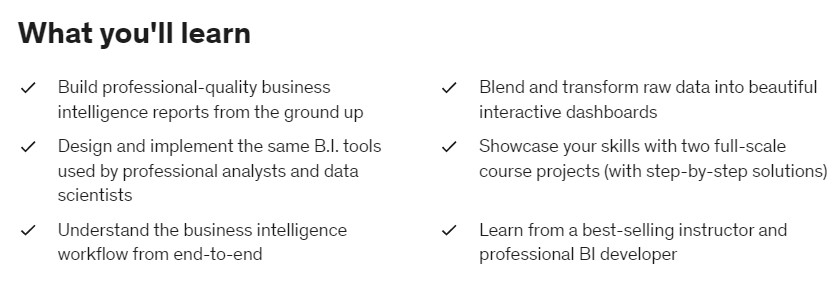
The comprehensive course covers the latest features and capabilities of the tool and is based on real-world examples and scenarios.
PowerBI Course Curriculum
Overview of PowerBI Course(12:29)
Introduction to PowerBI(28.12)
Transforming Data using Power Query Introduction(26.52)
Power Query Append(24.14)
Power Query Data Preparation & Cleaning(25.42)
Power Query Relate Table and Merge(22.32)
Building Reports and Dashboards(23.38)
Advanced Formatting and Q/A for Dashboards(21.23)
Sharing and Collaboration In PowerBI(22.40)
Exploring Global Health Data
Analyzing Stock Market Trends
PowerBI for Beginners
Advanced Analytics with PowerBI
Why you should take this course?
All the important topics are covered to master PowerBI
- Introduction to Power BI: This section could cover the basics of Power BI, including an overview of its features and capabilities, and how to get started with creating and using Power BI dashboards and reports.
- Data Connections and Transformations: This section could cover how to connect to and import data from various sources, as well as how to perform basic data transformations using Power Query.
- Visualization and Dashboarding: This section could cover how to create and customize charts, graphs, and other visualizations in Power BI, as well as how to design and publish dashboards.
- Advanced Techniques: This section could cover more advanced topics, such as using Power BI with R or Python, creating custom visuals, and working with large and complex datasets.
- Best Practices and Tips: This section could cover best practices for designing and using Power BI dashboards and reports, as well as tips and tricks for getting the most out of the tool.
Testimonials
We are proud of our wonderful customer reviews.